

Android Tv Boxes
Q2 Ultra Android TV Stick | WiFi 6 & Voice Control
$57.11
SPECIFICATIONS
Antenna Type: Internal
Brand Name: MORTAL
Certification: CE,FCC,RoHS
Choice: yes
Connectors: HDMI-Compatible
Function: Multiple-Input Single-Output
Hard Disk Capacity: < 100GB
High-concerned chemical: None
Item Type: TV stick
Origin: Mainland China
Picture Format: BMP,JPEG
Remote Control: Included
Transmission distance: <50m
Type: High Definition
Wi-Fi Frequency: 5GHz
Wi-Fi Range: 10m
Q2 Ultra Smart Android 14.0 TV Stick Rockchip RK3518 Voice Control 4K Ultra HD Media Player Supports Dual-Band WiFi 6 BT 5.0

How to install Q2 Ultra TV Stick?
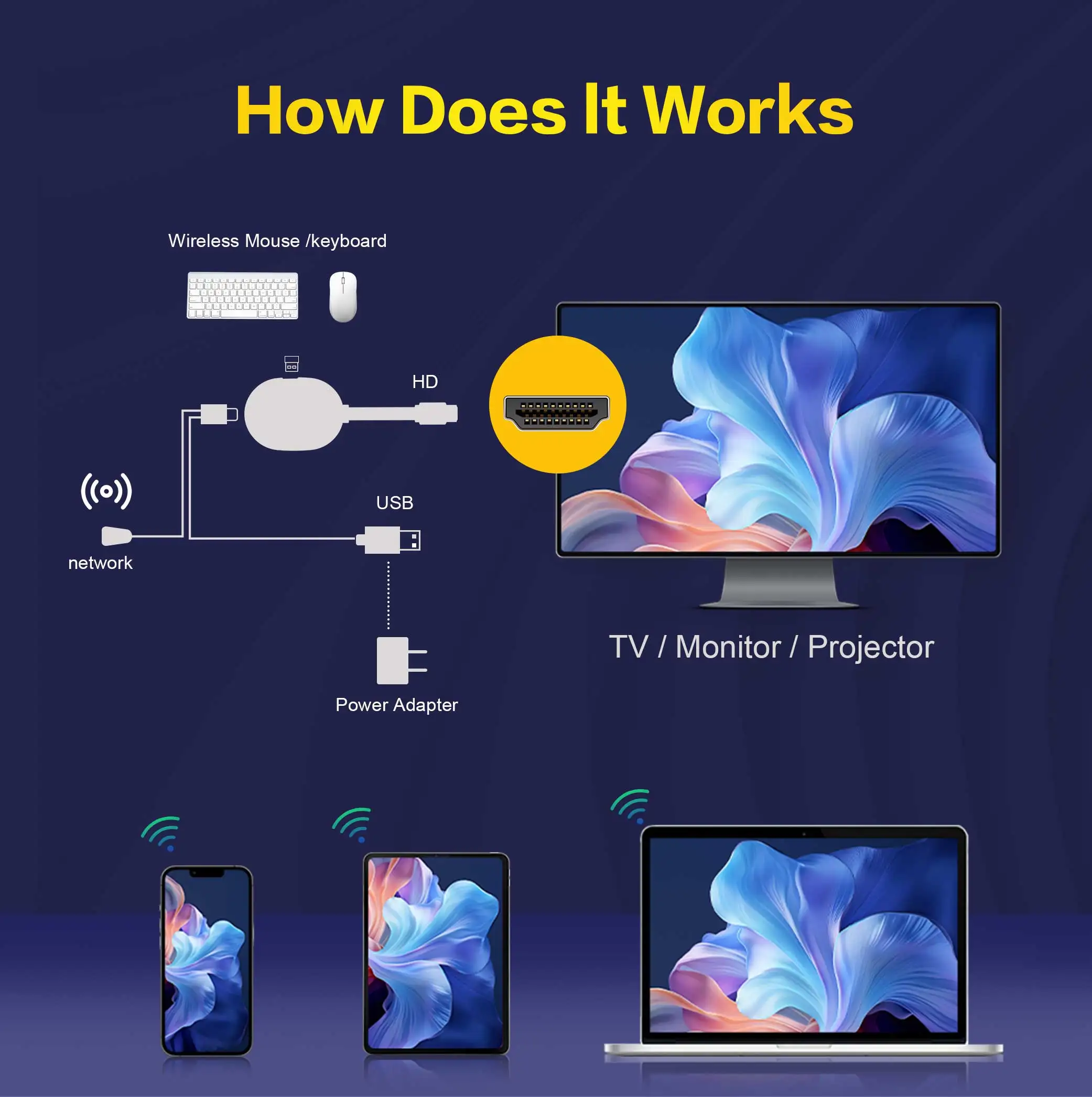
1: Connect the HDMI port of the TV Stick to the HDMI port of the TV.
2: Connect the TV Stick to a 100-240V power socket using a 5V, 2A power plug
3: Wait for the machine to start automatically, open the network settings, connect to the network, and you can surf the Internet normally.
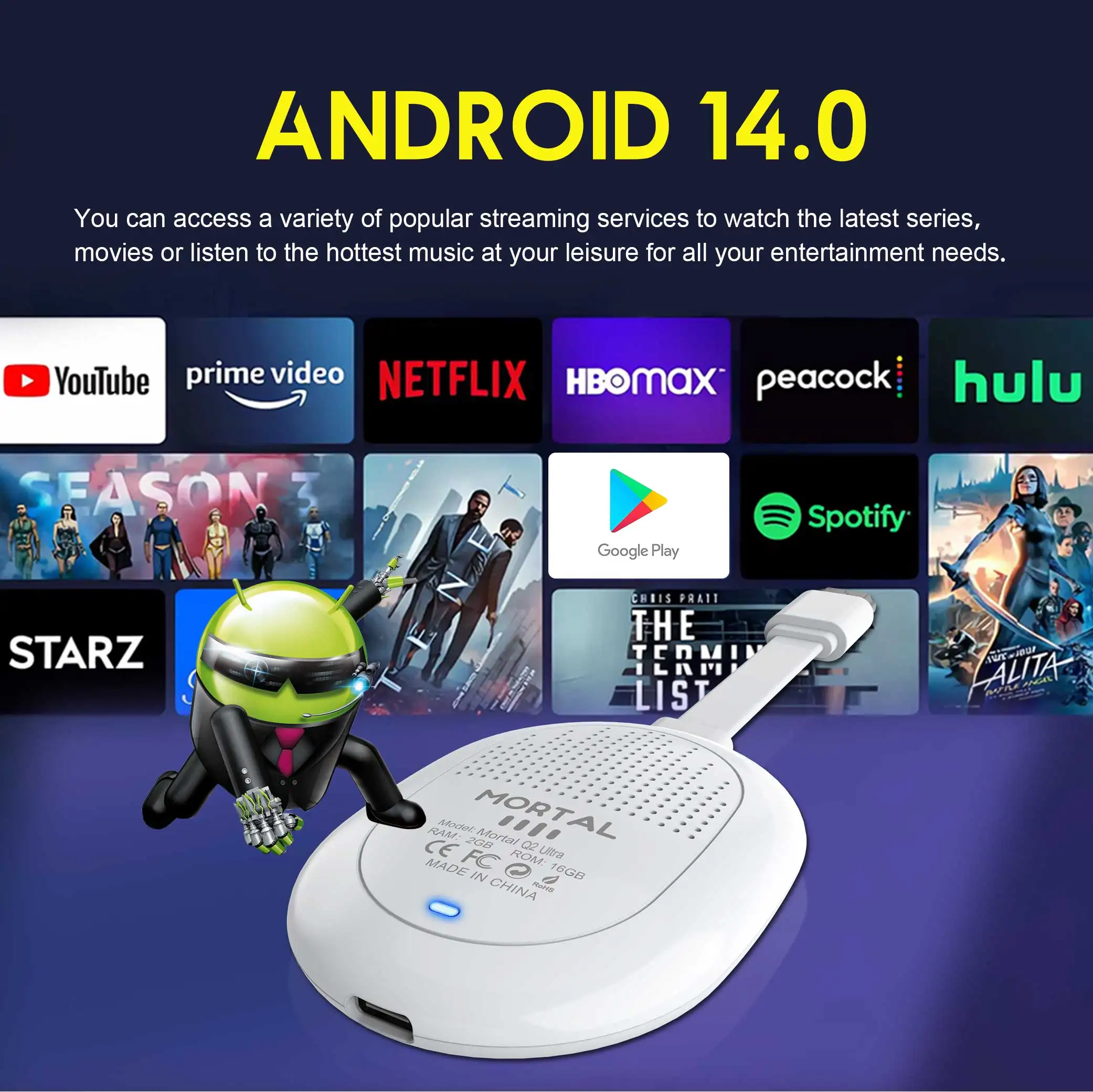

Android 14.0: Experience seamless performance with the TV Stick powered by Android 14.0, ensuring fast and efficient operation for all your entertainment needs.
WIFI 6: This new Android TV stick supports high-speed dual-band 2.4G/5.8G Wi-Fi connection, providing a secure, low-latency network to ensure that the Android TV stick runs smoothly and seamlessly, allowing you to enjoy 4K movies.
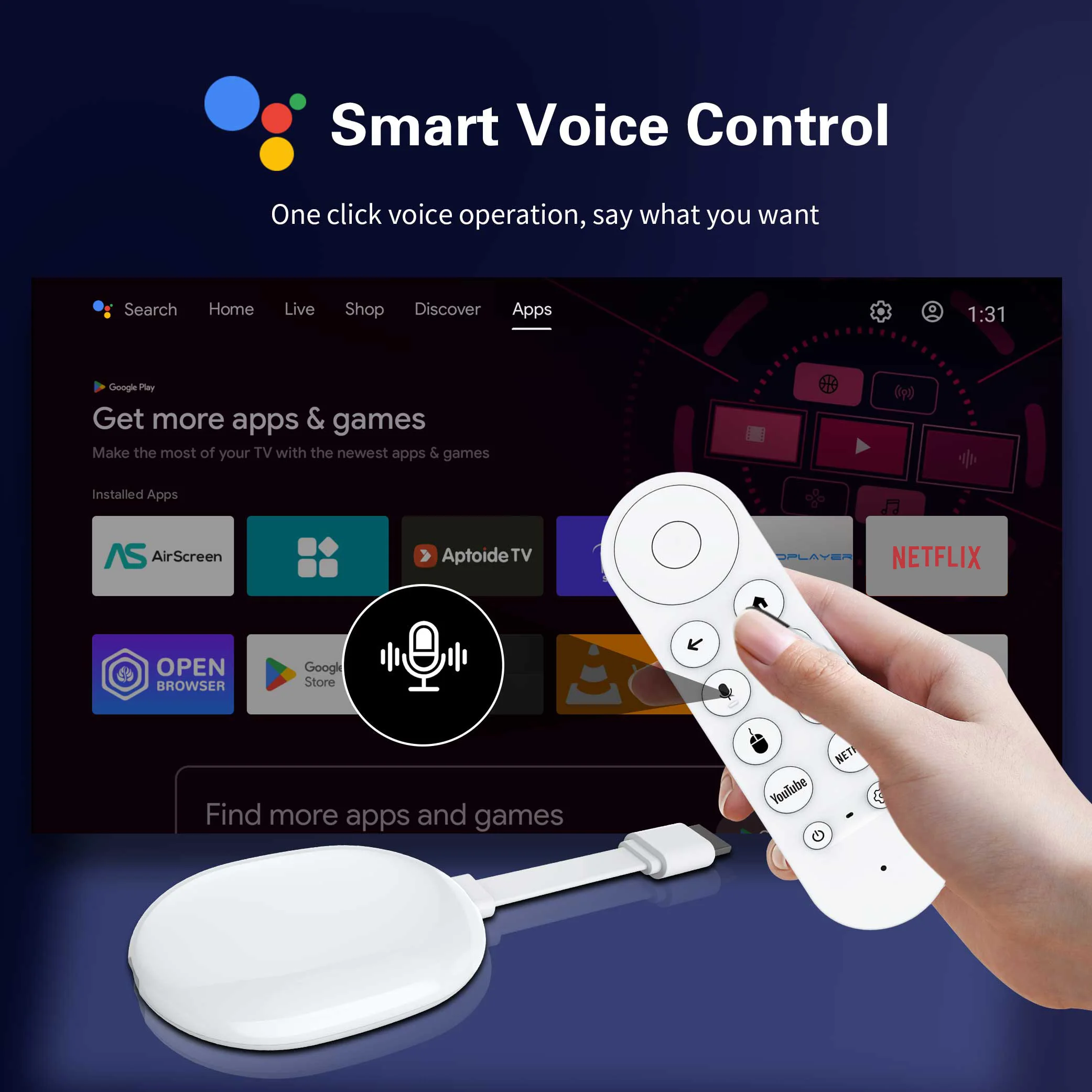
Intelligent voice control:one click to say the operation you want, freeing your hands and supporting precise search (such as "playing the movie 'Wandering Earth')
4k:Experience superior video quality with support for 4K @ 60 Hz, delivering crisp, clear images for an immersive viewing experience.
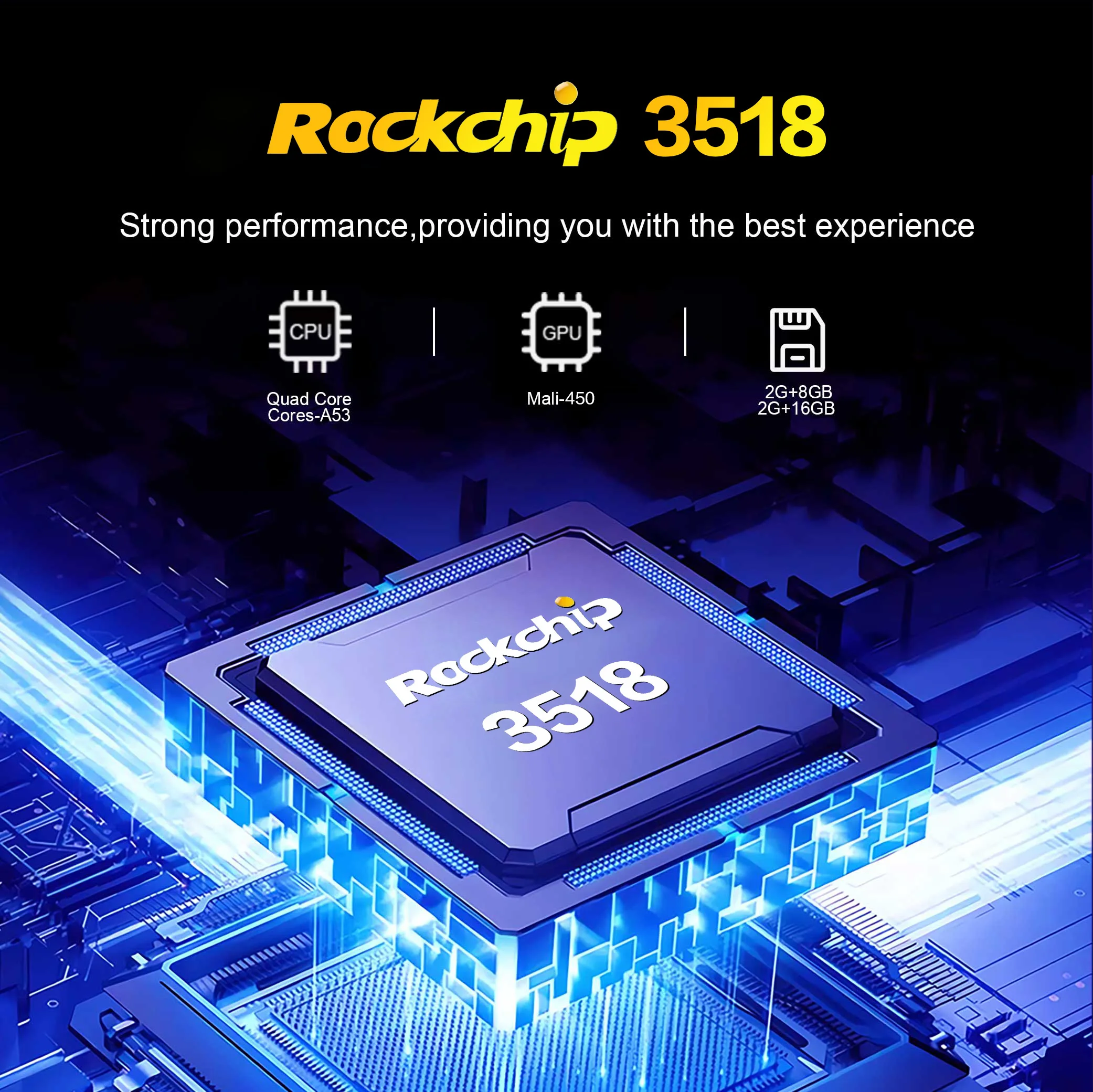
RK3518:Q2 Ultra TV stick can install more applications. Powered by the faster Rock3518 chip, it delivers a fluid experience and near-instantaneous responsiveness in most daily tasks.
Super heat dissipation:Hollow design: Give the TV stick a breathing "core" - heat dissipation black technology reshapes the enjoyable experience
Wireless screen mirroring:You can connect iOS, Windows, and Android devices through Airplay and DLNA software to easily display videos and photos on mobile phones and tablets.



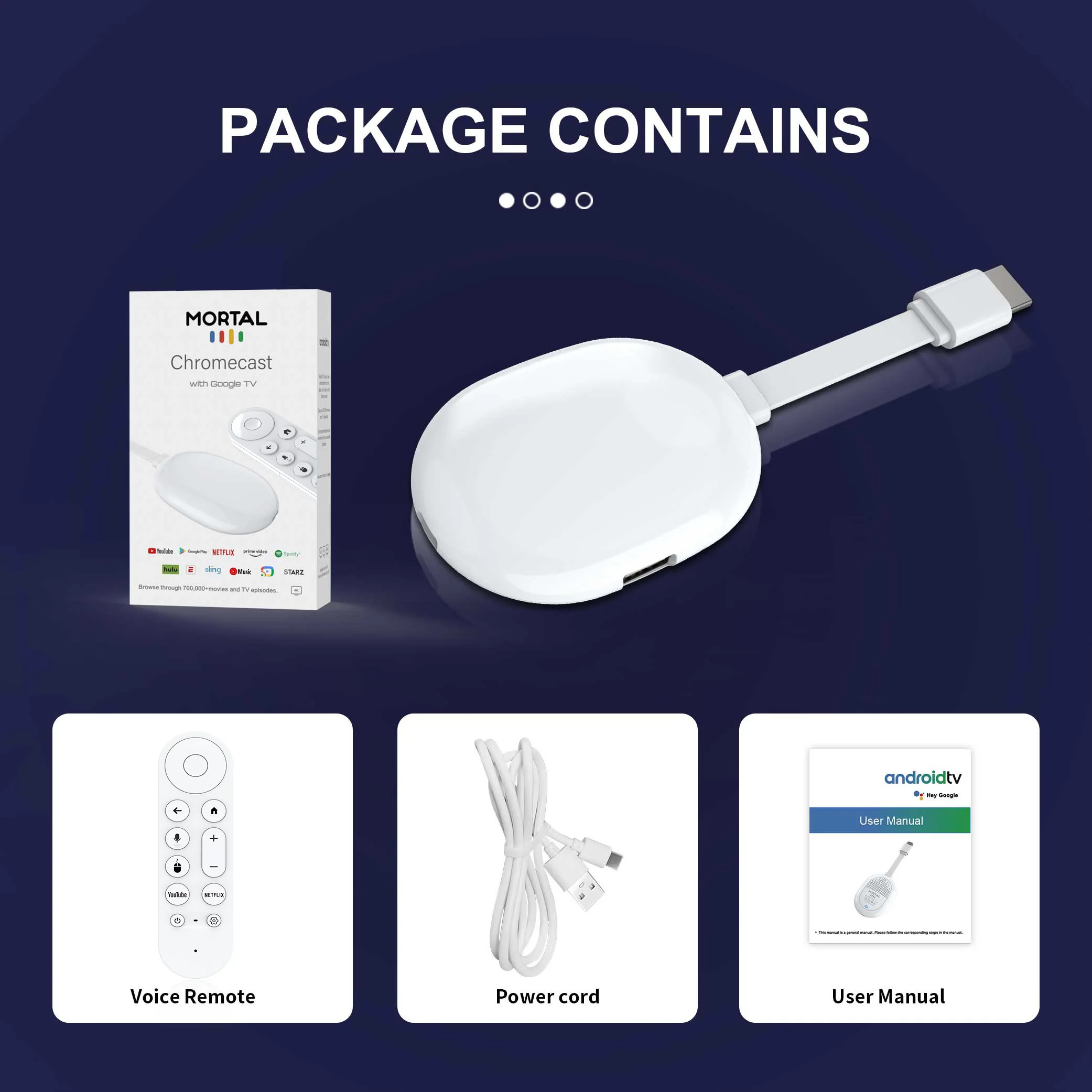
What's in the TV stick
1*Mortal Q2 Ultra TV stick
1*USB power cable(5V,2A)
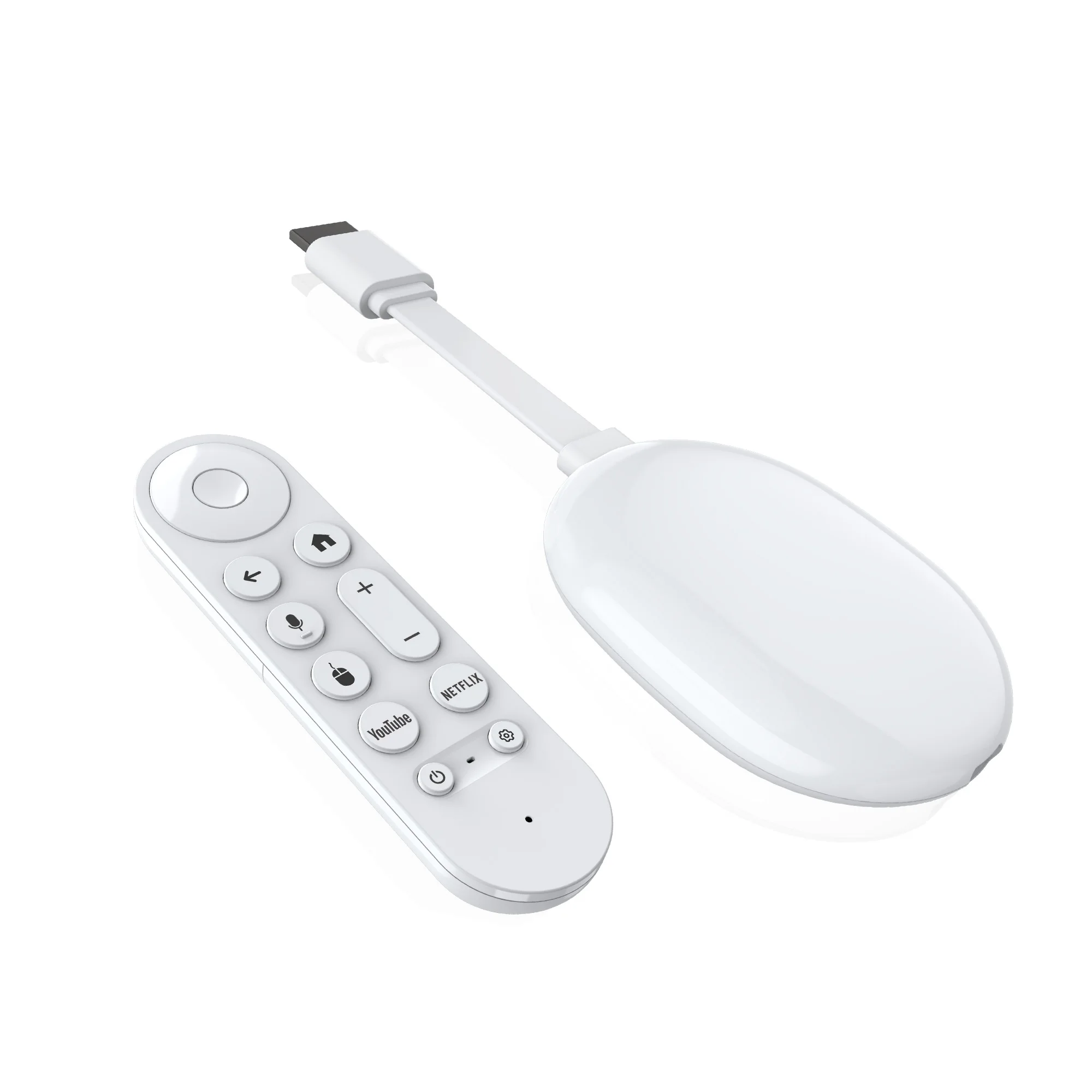
1*Voice remote control
1*manual
1*Packaging Box


Usage precautions:
1.How to use Netflix(1) Please connect the machine to WiFi, open the application, find the black Netflix software, and click to open.
(2) After clicking to open Netflix, click the mouse switch button on the remote control on the login interface to switch the remote control to mouse mode, and then click the login button of the software.
(3) Click the mouse button again to switch the remote control to remote control mode, enter the account and password to log in.
(4) Click the mouse mode button on the remote control again to switch the remote control mode to mouse mode. Use the mouse mode of the remote control to click the video to play.
2. Disney and other software cannot solve the problem. Disney software may not be compatible and cannot be used for a long time. If you need to use Disney software, please choose your purchase carefully to avoid unnecessary disputes. Based on the actual product!
3.If there is no signal when starting up, it is because the user has used an HDMl cable and power cable that don't match the product. Please be sure to use the accessories provided by us and do not replace the cables at will .lf there is no signal when the machine is turned on, it may be that the user's TV has multiple HDMl interfaces. The user can use the TV remote control to switch to the correct signal source, and the TV will display the picture normally.
4. Please place the remote control near the box. pressthe key and [mute] key gently at the same time, The red light on theremote control will enter a high-frequency flashing state. Wait for a fewseconds and the pairing wil be competed!

Check the exact configuration, shipping origin and delivery estimate before ordering.